

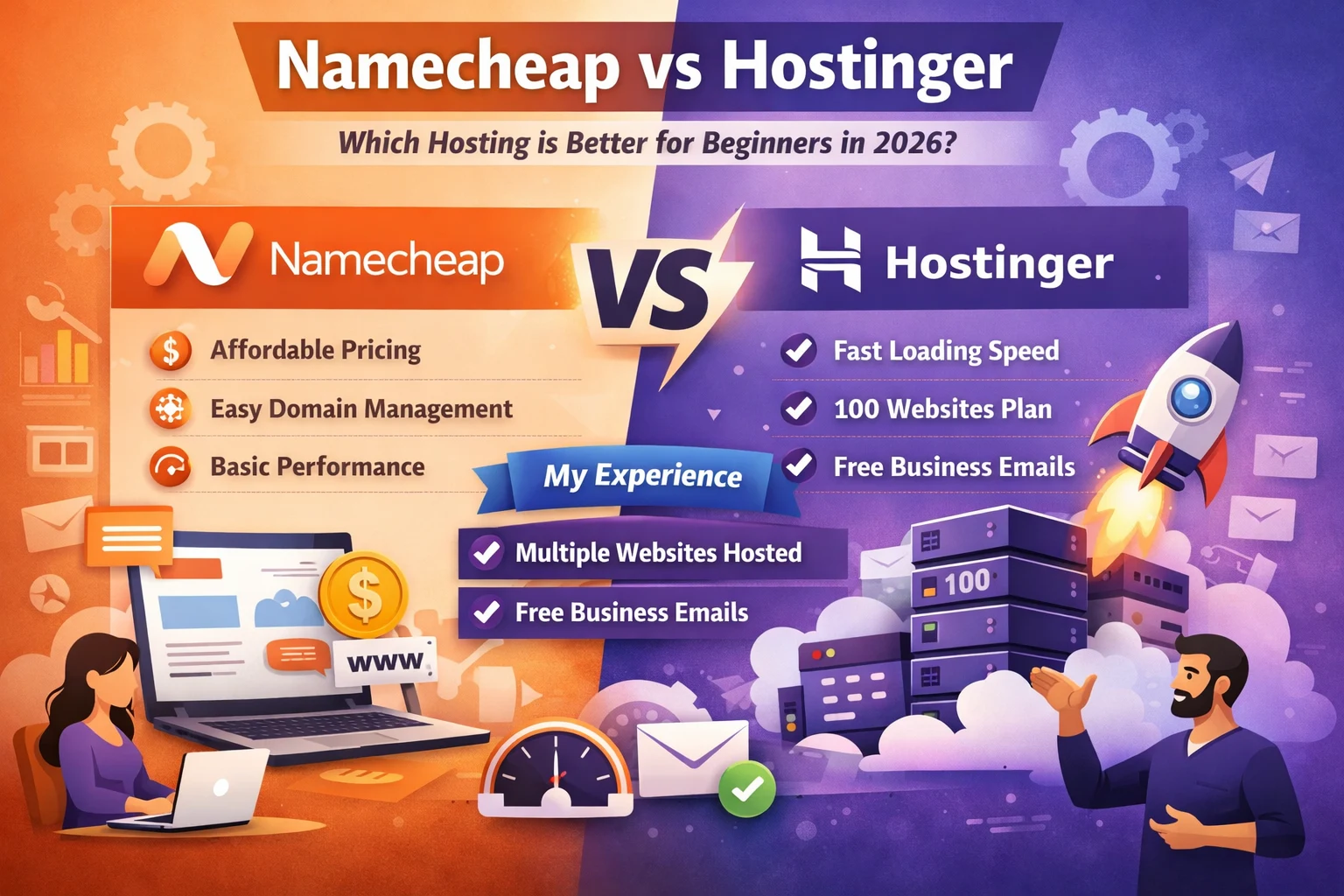
Choosing the right hosting provider is one of the first important decisions when starting a website. Many beginners compare Namecheap vs Hostinger because both companies offer affordable hosting plans and beginner friendly tools. When launching a blog, business website, or portfolio site, people usually want hosting that is easy to manage, reliable, and fast.
The web hosting industry continues to grow as more individuals and businesses create websites. According to Statista, the global web hosting market continues expanding as millions of websites are launched each year. Because of this growth, new website owners often search for budget hosting providers that offer strong performance without complicated setup.
Understanding how these two hosting providers work can help beginners make a confident decision before building their website.
Understanding Web Hosting Basics Before Choosing a Provider
Web hosting is a service that stores website files on internet servers so visitors can access the site through a browser. Every website needs hosting because it provides the infrastructure required to keep the site online.
Most beginners start with shared hosting because it is affordable and easy to manage. In shared hosting, several websites share the same server resources, which keeps costs low.
Typical hosting options include:
- Shared hosting for beginners and small websites
- VPS hosting for growing websites needing more control
- Dedicated hosting for large or high traffic websites
For blogs, informational websites, and small business platforms, shared hosting usually provides enough resources to run smoothly.
Why Beginners Often Compare Namecheap vs Hostinger
When people search for beginner friendly hosting services, these two companies appear frequently in comparisons. Both offer affordable plans and tools that simplify website creation.
New users usually compare these providers because they offer:
- Low starting prices
- Easy website setup tools
- WordPress installation support
- Free SSL certificates
- Hosting plans designed for beginners
Many bloggers, students, and small business owners evaluate these options before launching their first website.
Quick Overview of Both Hosting Providers
Namecheap overview
Namecheap originally became popular as a domain registration company. Over time it expanded into hosting services that include shared hosting, WordPress hosting, and VPS hosting.
The platform is known for affordable domain pricing and straightforward hosting plans. Many users choose it when they want to manage both domains and hosting from one place.
Hostinger overview
Hostinger has grown into a global hosting provider with customers in many countries. The company focuses on affordable hosting combined with performance oriented infrastructure.
Hostinger developed its own control panel called hPanel, which simplifies tasks such as website installation, email setup, and domain management.
Its hosting services include:
- Shared hosting
- WordPress optimized hosting
- Cloud hosting solutions
- Website builder tools
Namecheap vs Hostinger Comparison Table
| Feature | Namecheap | Hostinger |
| Starting Price | Usually low introductory pricing | Very competitive introductory pricing |
| Websites Allowed | Limited depending on plan | Up to 100 websites on many plans |
| Free Domain | Available on some plans | Available on many plans |
| Free Business Email | Limited in entry plans | One free email account per domain |
| Control Panel | Traditional cPanel style interface | Custom hPanel designed for beginners |
| WordPress Installation | One-click WordPress installation | One-click WordPress installation |
| Website Speed | Good for small to medium sites | Optimized servers with faster performance |
| Uptime | Around 99.9% uptime | Around 99.9% uptime |
| Security Features | Free SSL and basic protection | Free SSL, security tools, and backups |
| Best For | Domain + hosting in one platform | Hosting multiple websites with better performance |
Quick Summary
- Namecheap is a good option if someone wants domain registration and hosting in one place.
- Hostinger is often preferred for faster performance and hosting multiple websites on one plan.
From practical usage, many website owners prefer Hostinger because it allows more websites, free email accounts, and reliable speed for growing traffic.
Pricing Comparison and What Beginners Actually Pay
Pricing is one of the biggest reasons beginners compare hosting providers. Both services advertise low introductory prices to attract new users.
Namecheap usually offers affordable entry level plans with basic website resources and email hosting.
Hostinger also provides competitive pricing but often includes additional performance features depending on the plan.
When comparing hosting costs, beginners should check:
- Introductory price
- Renewal price after the first term
- Included storage and bandwidth
- Domain costs and add on features
Reviewing the long term cost helps avoid unexpected increases after the initial promotional period.
Ease of Use and Setup for First Time Website Owners
A simple dashboard makes a big difference for beginners managing their first website.
Namecheap uses a traditional hosting control interface similar to cPanel. Many tutorials available online reference this system, which helps beginners learn how to manage hosting.
Hostinger uses its own control panel called hPanel. The dashboard is designed to simplify tasks like installing WordPress, managing domains, and creating email accounts.
Typical website setup steps include:
- Creating a hosting account
- Connecting a domain name
- Installing a content management system such as WordPress
- Uploading website content
Both providers allow beginners to complete these steps quickly without technical experience.
Performance and Website Speed Differences
Website speed is important for both user experience and search rankings. Faster websites keep visitors engaged and reduce bounce rates.
Performance depends on factors such as:
- Server infrastructure
- Data center locations
- Caching technology
- Resource allocation for shared hosting
Hostinger focuses heavily on performance optimization, while Namecheap offers stable hosting suitable for smaller websites.
For blogs, informational websites, and portfolio sites, both services usually provide enough speed for normal traffic levels.
My Personal Experience Using Hostinger Hosting
From my personal experience, Hostinger has been very reliable for running multiple websites. I currently use a hosting plan that allows up to 100 websites, and I have already added five domains to my account.
One feature I find very useful is that each domain can have its own business email account. This means I can create professional email addresses for every website without paying extra for email services.
Another reason I prefer Hostinger is the loading speed. My websites load quickly, which improves user experience and helps maintain visitor engagement. Even though my audience size has grown over time, I have not faced server overload issues or downtime problems.
Managing multiple websites in one hosting dashboard is also convenient. The control panel makes it easy to add new domains, install WordPress, and manage email accounts.
Because of this experience, I personally find Hostinger suitable for people who want to run multiple websites on a single hosting plan.
Reliability and Uptime Stability
Uptime represents the percentage of time a website remains available to visitors. Most hosting companies aim for around 99.9 percent uptime.
Reliable uptime is important because frequent downtime can affect search rankings, user trust, and business credibility.
Both hosting providers promote stable infrastructure designed to keep websites accessible with minimal interruptions.
For small and medium websites, shared hosting typically delivers stable uptime if server resources are managed properly.
Security Features and Website Protection
Security features protect websites from common online threats.
Most hosting services include basic security tools such as:
- SSL certificates that encrypt website connections
- Malware scanning tools
- Firewall protection
- Backup options for restoring website data
SSL certificates are especially important because modern browsers prefer secure websites and search engines also prioritize secure connections.
Backup tools are also valuable because they allow website owners to recover data if files are accidentally deleted or damaged.
Customer Support and Help Resources
Customer support can be very important for beginners who are learning how hosting platforms work.
Hosting providers typically offer support through:
- Live chat
- Ticket based support systems
- Help centers and documentation
Knowledge base articles and tutorials help users solve common problems such as installing WordPress, connecting domains, or setting up email accounts.
Quick support responses help beginners resolve technical issues faster.
WordPress Hosting Experience
WordPress is one of the most widely used website platforms. According to research from W3Techs, more than 40 percent of websites on the internet run on WordPress.
Both hosting providers support WordPress installations and provide tools designed to simplify the process.
Typical WordPress features include:
- One click installation
- Automatic updates
- Security tools for WordPress files
- Optimization settings for performance
These tools make it easier for beginners to launch blogs, content websites, or small online stores.
Pros and Cons of Each Hosting Provider
Namecheap advantages
- Affordable domain registration services
- Simple hosting plans for beginners
- Email hosting included with some plans
Namecheap limitations
- Performance features may be limited in entry level plans
- Advanced features may require upgrades
Hostinger advantages
- Affordable plans with strong performance
- Custom control panel designed for simplicity
- Ability to host many websites under one plan
Hostinger limitations
- Some features depend on plan level
- Beginners may need time to explore the dashboard
Common Mistakes Beginners Make When Choosing Hosting
New website owners sometimes make decisions based only on price.
Common mistakes include:
- Ignoring renewal costs
- Choosing plans with unnecessary features
- Not checking server performance details
- Overlooking customer support quality
Comparing hosting features carefully helps beginners avoid these issues.
Misconceptions People Often Have About Budget Hosting
Budget hosting often receives criticism, but several misconceptions exist.
Some people assume that low cost hosting cannot perform well. In reality, many blogs and small business websites run successfully on shared hosting for years.
Another misconception is that every hosting plan includes unlimited resources. In practice, shared hosting always has resource limits to maintain server stability.
Understanding these details helps users choose hosting with realistic expectations.
How to Decide Between Namecheap vs Hostinger for Your First Website
Choosing between Namecheap vs Hostinger depends on your website needs and personal preferences.
Important factors to consider include:
- How many websites you plan to run
- Whether you need business email accounts
- Expected traffic levels
- Budget and renewal pricing
- Ease of use of the hosting dashboard
Evaluating these points helps beginners select a hosting provider that fits their long term website goals.
Real Situations Where Each Provider Might Be a Better Choice
Namecheap can be a suitable choice for users who want domain registration and hosting services managed in the same environment.
Hostinger can be attractive for users who want faster performance and the ability to host multiple websites on one account.
Both providers can support beginner websites, but the best choice often depends on how you plan to use your hosting resources.
Key Takeaways from the Namecheap vs Hostinger Comparison
The Namecheap vs Hostinger comparison shows that both providers offer affordable hosting designed for beginners.
Important considerations when choosing hosting include:
- Website performance and loading speed
- Pricing structure and renewal costs
- Number of websites allowed per plan
- Security features and backups
- Quality of customer support
Beginners should focus on these factors rather than only the introductory price.
Conclusion
Selecting a hosting provider is an important step when launching a website. Both Namecheap and Hostinger provide beginner friendly hosting solutions with affordable pricing and essential website management tools.
However, based on my personal experience managing several domains and websites, Hostinger has provided reliable performance, fast loading speeds, and convenient management for multiple websites. For beginners planning to run several websites or grow their projects over time, choosing a hosting platform with flexible resources and stable performance can make website management much easier.
FAQs On Namecheap vs Hostinger
Hostinger is often considered better for beginners because it offers faster loading speeds, an easy control panel, and plans that allow hosting multiple websites.
In many tests and user experiences, Hostinger usually provides faster website loading speeds due to optimized servers and performance features.
Yes, many Hostinger hosting plans allow users to host up to 100 websites on a single account, making it suitable for bloggers and small businesses.
Yes, Hostinger allows users to create free business email accounts for each domain included in their hosting plan.
Namecheap hosting can be suitable for beginners who want affordable hosting combined with domain management in one platform.
Yes, Hostinger provides WordPress optimized hosting with one-click installation, automatic updates, and performance improvements.
Both providers offer affordable plans, but Hostinger often provides better value because it includes more features and website capacity in many plans.
Yes, Hostinger offers a simple one-click WordPress installation, making it easy for beginners to launch a website quickly.
Hostinger is generally reliable for growing websites because it provides stable servers and scalable hosting options.
The best choice depends on your needs, but many beginners prefer Hostinger because of its speed, user-friendly control panel, and ability to host multiple websites.

Leave a Reply