
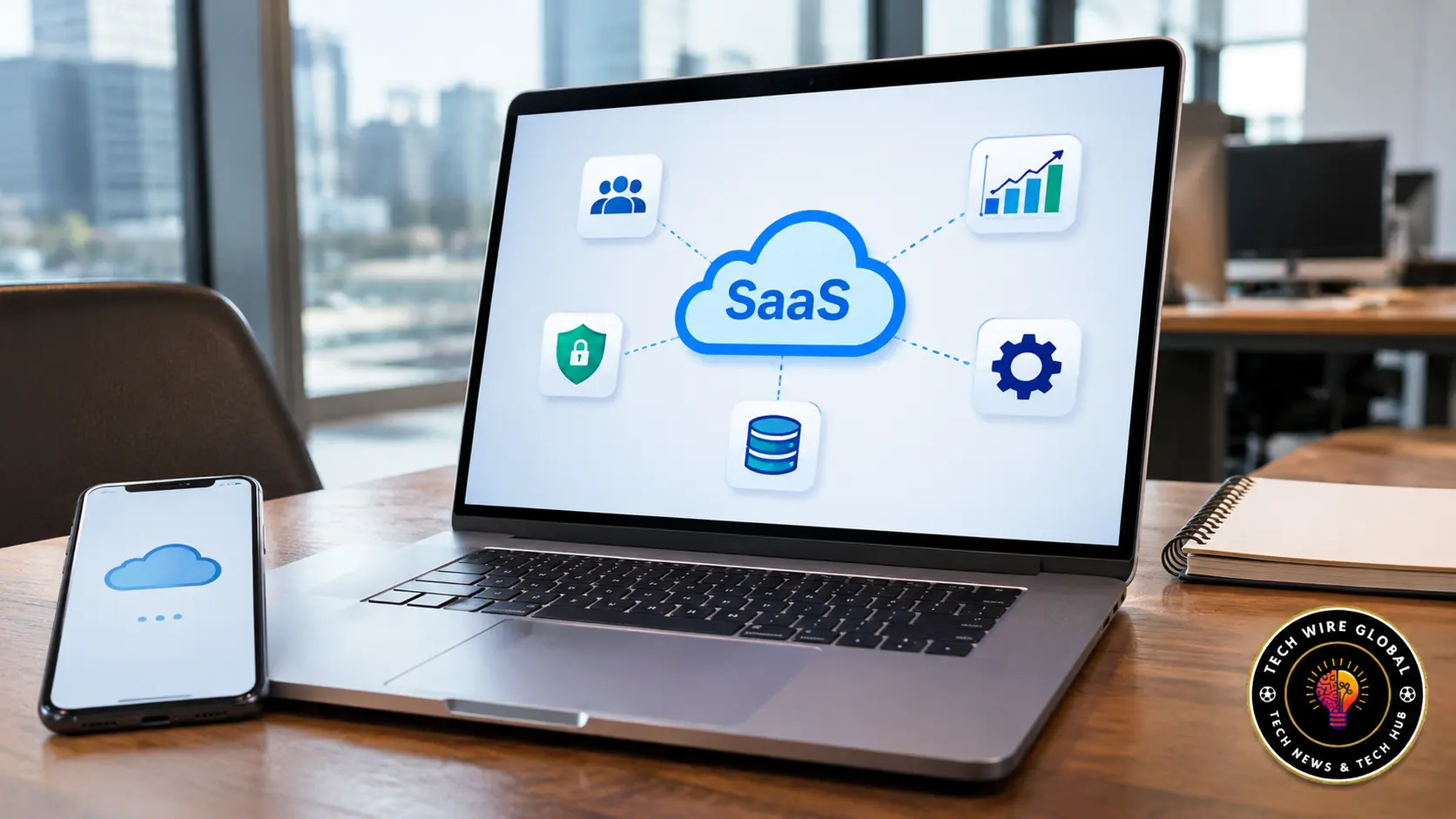
SaaS stands for Software as a Service. It is a software delivery model in which users access applications over the internet instead of installing and maintaining the main software infrastructure on their own computers or servers. The provider hosts the application, manages its underlying infrastructure, and makes it available through a web browser, desktop application, or mobile app. Google Workspace, Microsoft 365, Slack, and Zoom are familiar examples of SaaS products.
Businesses use SaaS for tasks such as managing customers, communicating with employees, organising projects, processing payments, and running marketing campaigns. Most providers charge a recurring subscription, although some products use free plans or usage-based pricing.
Understanding how SaaS works makes it easier to decide whether a subscription-based application is suitable for a particular business or personal requirement.
What Is SaaS (Software as a Service)?
Software as a Service is a cloud computing model in which a provider hosts an application and makes it available to customers over a network, usually the internet.
Users access the software through an account rather than managing the servers, operating systems, and other infrastructure required to run it. The provider takes care of the main hosting environment and application maintenance. Customers generally manage their own accounts, settings, users, and information stored in the application.
The National Institute of Standards and Technology (NIST) describes SaaS as a model in which customers use applications running on a provider’s cloud infrastructure, typically through a browser or program interface. Its definition of Software as a Service also explains that customers do not normally control the underlying infrastructure.
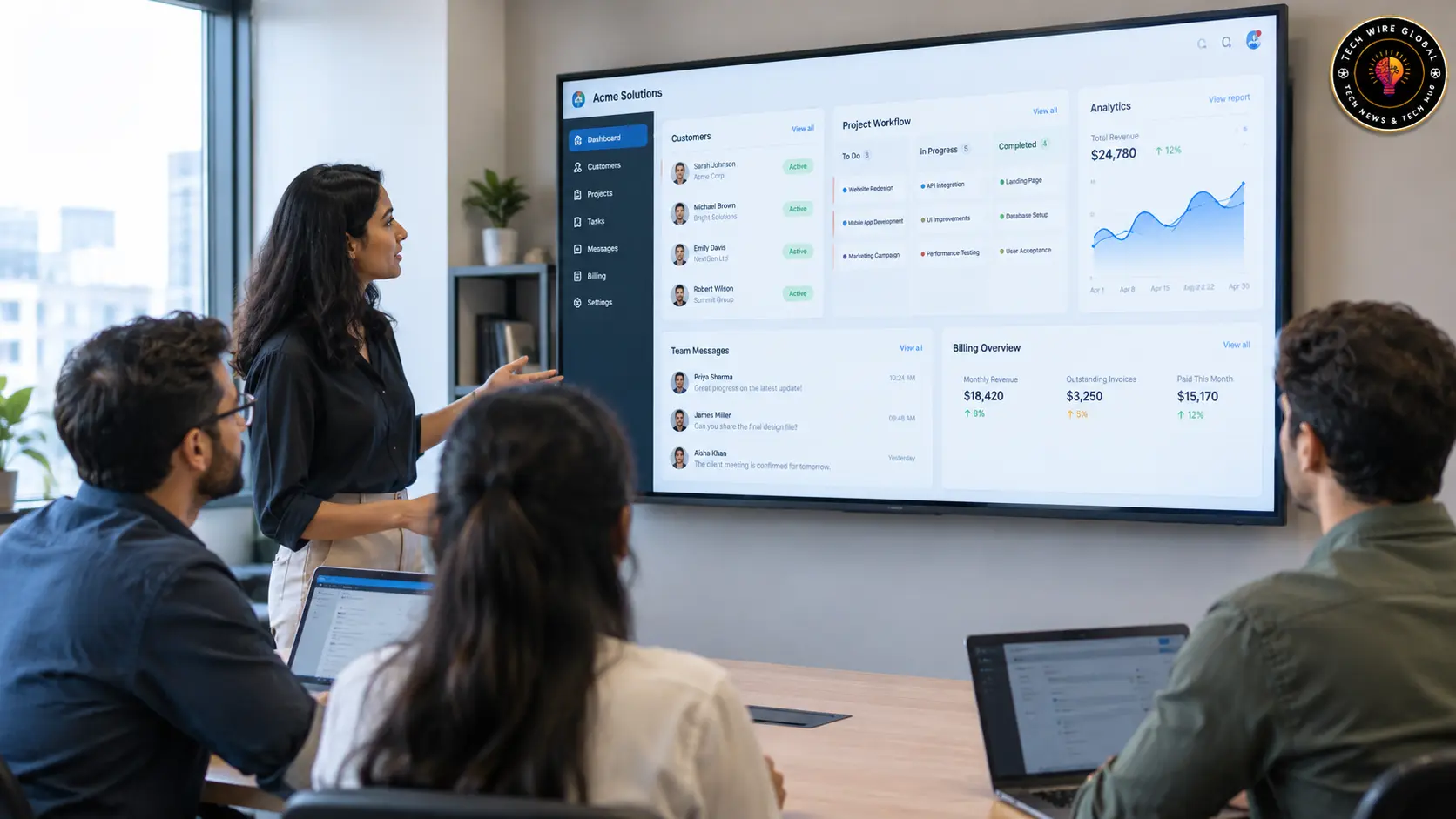
For example, a business using Google Workspace does not need to install and operate its own email servers to use Gmail for business communication. Employees sign in to their accounts, send emails, share documents, and use other available applications. Google manages the service infrastructure.
The same general model applies to CRM platforms, project management applications, online accounting software, and many other business tools.
How Does SaaS Work?
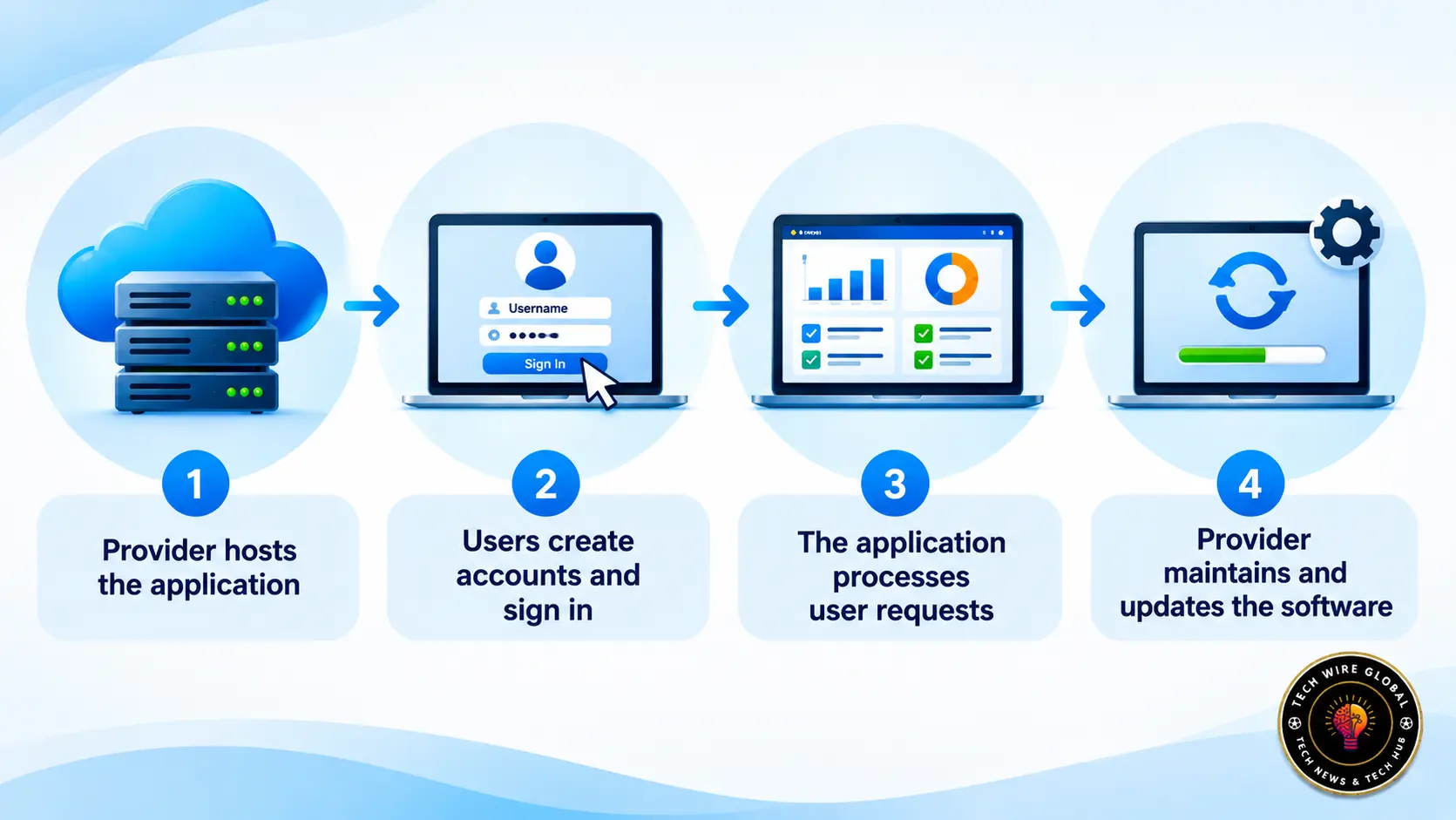
A SaaS application runs on infrastructure managed by its provider. Customers connect to that application through the internet and use its features based on their account permissions and subscription plan.
The process usually involves the following steps.
1. The SaaS provider hosts the application
The software provider runs its application on cloud infrastructure. This infrastructure includes the computing resources, storage, networking, and other systems required to keep the service available.
The provider is responsible for maintaining the hosting environment and managing the application. Customers do not normally need to purchase servers or configure operating systems to use the software.
2. Users create accounts and sign in
A customer visits the provider’s website or opens its application, creates an account, and selects an available plan if payment is required.
After registration, users sign in with their credentials. In a business account, an administrator may invite employees, assign roles, and decide which information or features each person can access.
For example, a sales manager might have permission to view the entire sales pipeline, while an individual salesperson can access only their assigned opportunities.
3. The application processes user requests
When someone performs an action, such as saving a customer record or uploading a document, the application processes that request through the provider’s systems.
The information may be stored in the provider’s database and made available to other authorised users.
Consider a company using a cloud-based CRM. When a salesperson updates a customer’s contact details, other team members with the required permissions can see the updated record without exchanging separate files.
4. The provider maintains and updates the software
The provider handles application maintenance, bug fixes, infrastructure management, and software updates.
Users usually receive supported updates through the service without having to download and install every new version themselves. The provider may also manage backups, monitoring, and service availability, depending on the product and its service terms.
Customers still have responsibilities. They need to manage employee accounts, protect login credentials, configure permissions, and handle their business information appropriately.
Common Examples of SaaS Applications
SaaS products are available across many business functions. Some focus on one specific task, while others combine several applications under a single subscription.
Here are familiar examples grouped by their main purpose.
Communication and collaboration software
Communication tools help employees exchange messages, hold meetings, share documents, and work together from different locations.
Examples include:
- Google Workspace: Provides Gmail, Google Drive, Docs, Sheets, Meet, and other productivity applications.
- Microsoft 365: Includes applications such as Word, Excel, Outlook, Teams, and OneDrive.
- Slack: Provides team messaging, channels, file sharing, and integrations with other business applications.
- Zoom: Supports video meetings, webinars, and online communication.
A company with employees working across several offices can use these tools to share information without relying entirely on in-person meetings or email attachments.
Customer relationship management software
CRM applications help businesses organise customer information and manage interactions throughout the sales process.
Examples include:
- HubSpot: Provides CRM features alongside marketing, sales, and customer service tools.
- Salesforce: Offers cloud-based CRM applications for managing customer relationships, sales activities, and business processes.
A sales team can use a CRM to record enquiries, assign leads, track conversations, and monitor the progress of potential deals.
Project management and productivity software
Project management applications help teams organise tasks, assign responsibilities, set deadlines, and monitor progress.
Examples include:
- Asana: Helps teams organise projects, tasks, and workflows.
- Trello: Uses boards, lists, and cards to organise work.
- monday.com: Provides work management tools for projects, processes, and team activities.
These applications are useful when several people need to work on the same project and keep track of who is responsible for each task.
Marketing and design software
Marketing teams use SaaS applications to create content, manage campaigns, communicate with customers, and review performance.
Examples include:
- Canva: Provides online tools for creating graphics, presentations, and marketing materials.
- Mailchimp: Offers email marketing, campaign management, and related marketing features.
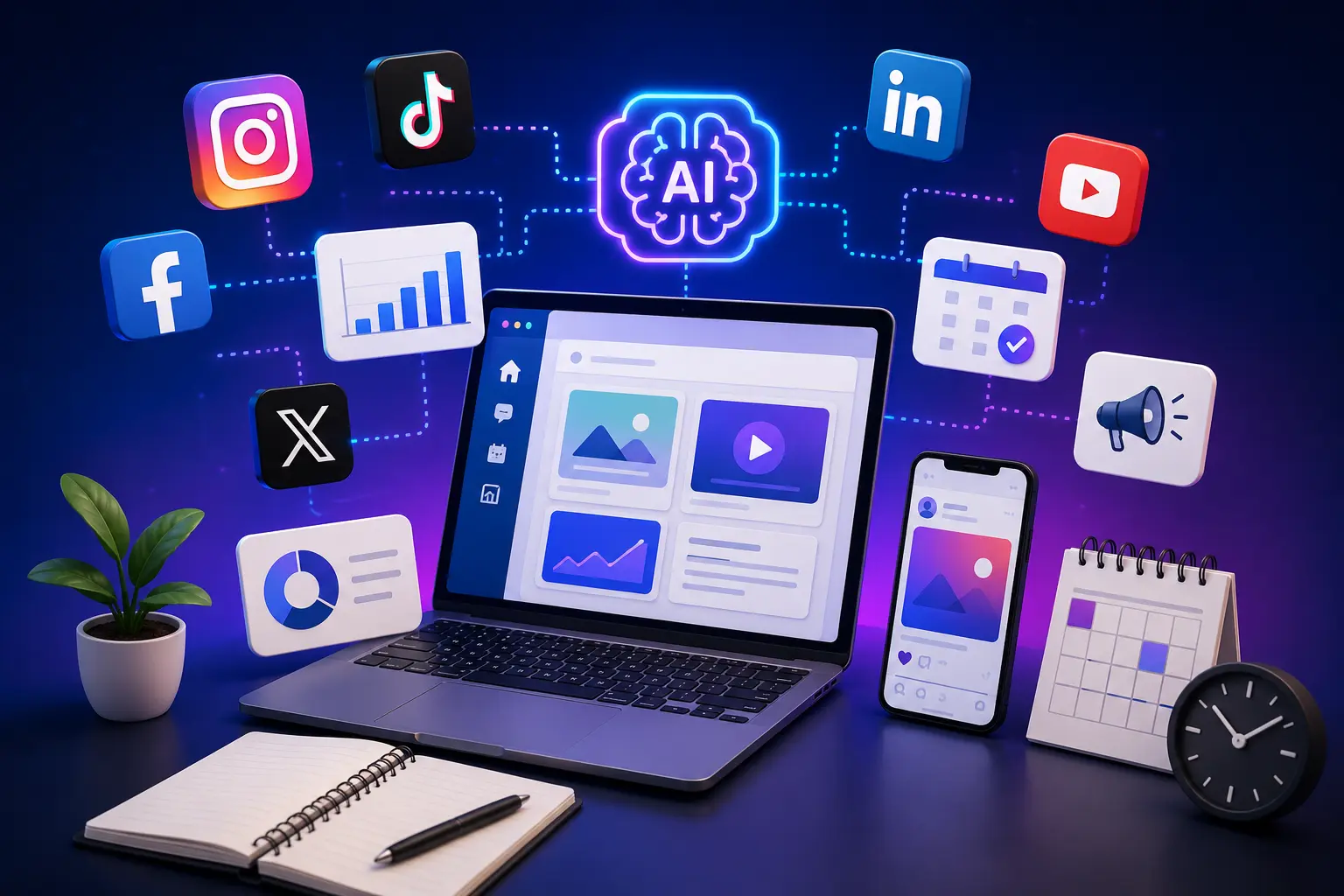
Businesses also use AI-powered applications to assist with content planning and social media work. Teams evaluating these tools can explore this guide to AI social media tools for businesses to see how software supports different marketing activities.
Industry-specific SaaS applications
Some SaaS products are built for a particular industry or type of work.
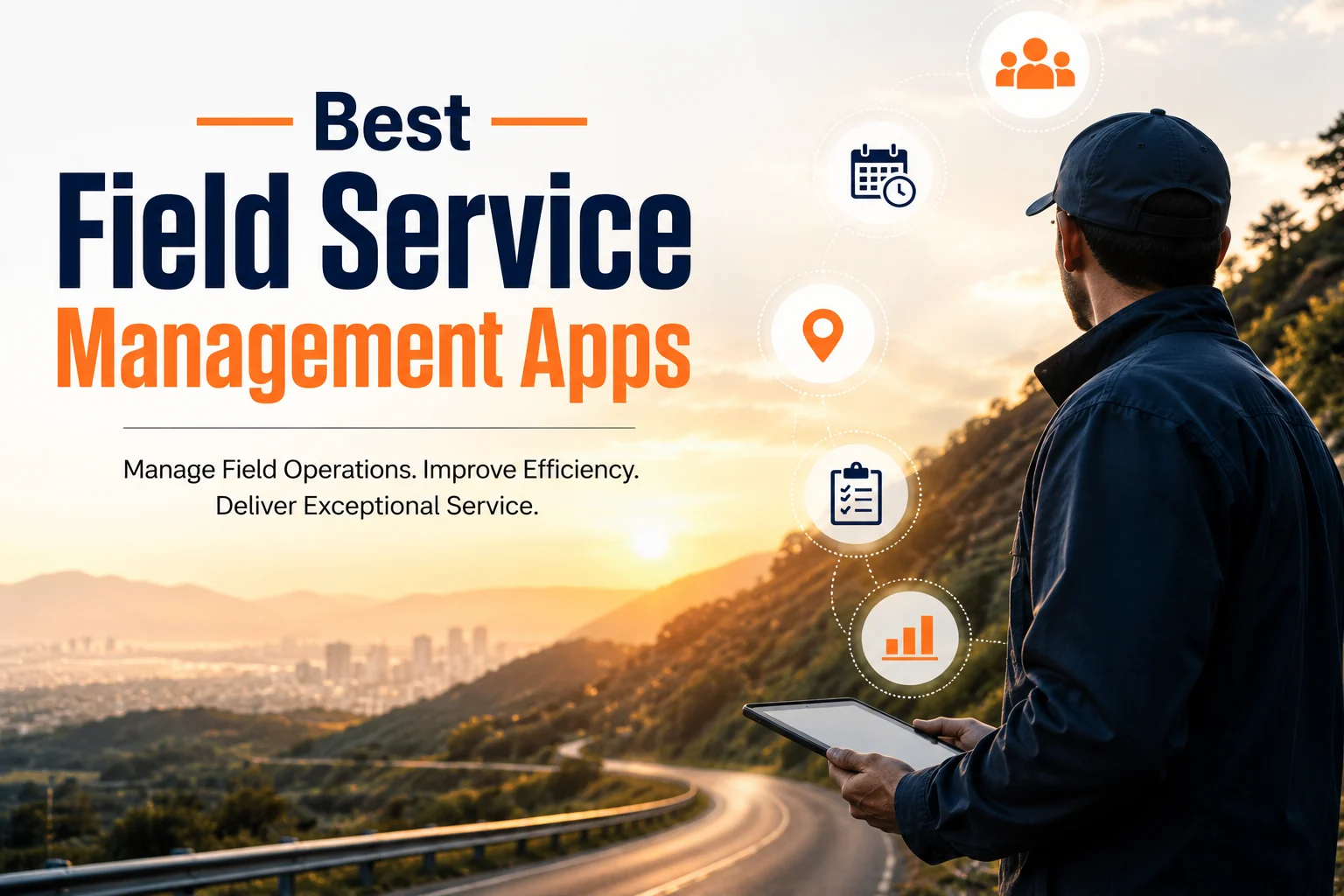
For example, field service management software helps companies schedule appointments, assign technicians, manage work orders, and track field operations.
A service company with employees visiting customer locations may use these applications to coordinate jobs and update work records. This guide to field service management apps for field teams provides examples of software used for these operational tasks.
What Are the Main Characteristics of SaaS?
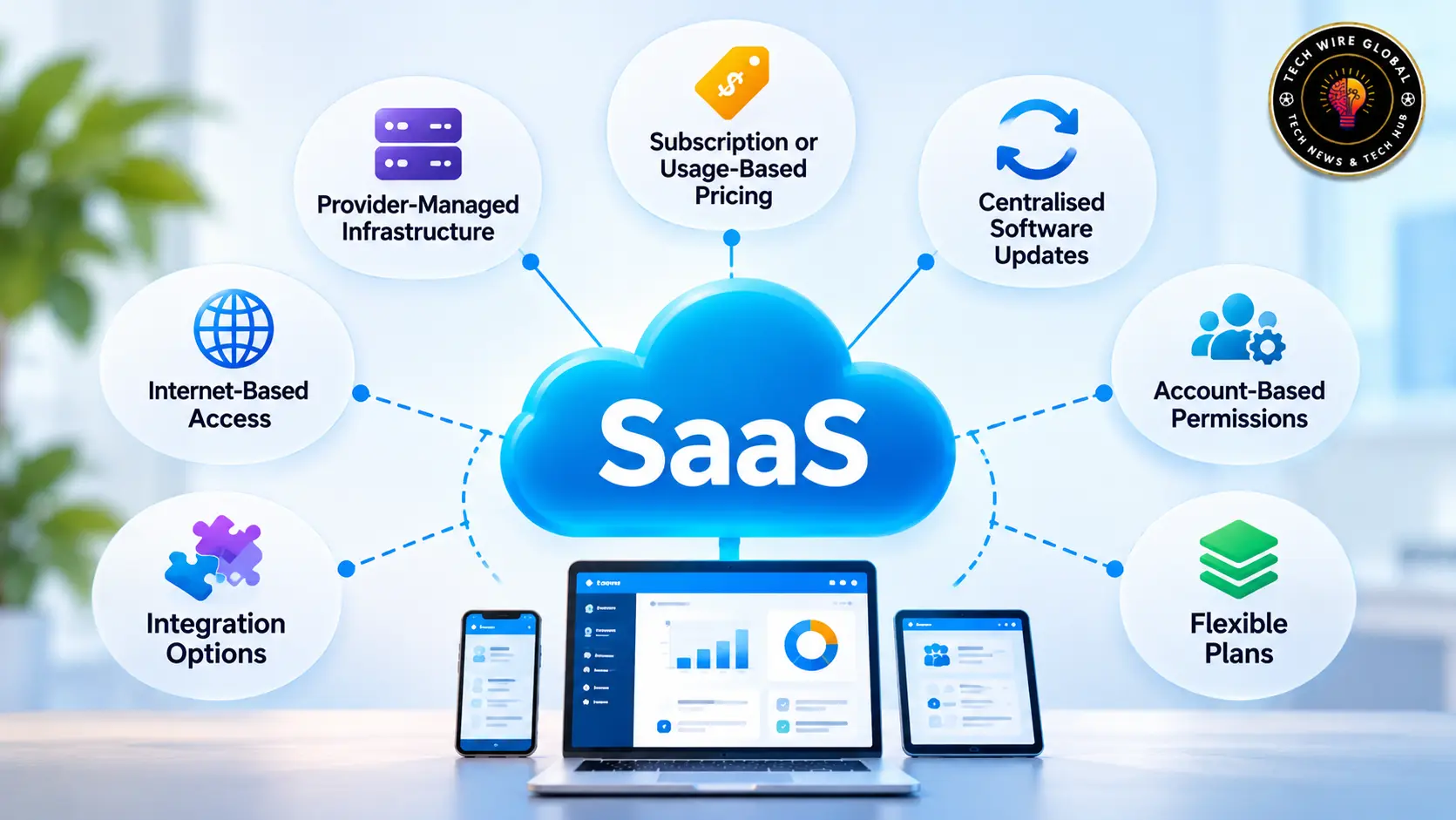
Although SaaS products differ in their features and technical design, most share several characteristics.
Internet-based access: Users generally access the application through an internet connection. Depending on the product, they may use a browser, desktop application, or mobile app.
Provider-managed infrastructure: The provider manages the servers, storage, networking, and other underlying infrastructure needed to run the application.
Subscription or usage-based pricing: Customers commonly pay monthly or annually. Some providers charge according to the number of users, available features, storage, or actual usage.
Centralised software updates: The provider manages updates to the application. Customers generally do not need to install each update manually.
Account-based permissions: Users sign in to individual or organisational accounts. Administrators can often control access according to employee roles and responsibilities.
Integration options: Many SaaS products connect with other applications through built-in integrations or APIs. For example, a CRM may connect with an email marketing platform to share customer information.
Flexible plans: Providers may offer different subscription levels. A customer can often change plans or add users as requirements change, subject to the provider’s pricing and account terms.
These characteristics help explain why SaaS is commonly used for business applications that need to be accessed and maintained across multiple users.
What Are the Benefits of SaaS?
The main benefit of SaaS is that customers can use ready-made software without operating the underlying application infrastructure themselves. The practical advantages depend on the product, pricing, and business requirements.
Lower upfront infrastructure costs
A business using a SaaS application generally does not need to purchase its own servers or build an infrastructure environment to run that application.
This can make it easier for a small business to start using tools such as CRM, accounting, communication, or project management software.
There is still an ongoing cost. Subscription fees, additional users, storage, and premium features can add up over time.
Access from different locations and devices
Many SaaS applications can be accessed from any supported device with an internet connection.
This is useful for employees who work from home, travel between customer locations, or operate across multiple offices. They can access the same application without depending on a single office computer.
Access conditions vary by product. Some applications also provide offline features, but many require an internet connection for their main functions.
Less software maintenance for customers
The provider manages much of the technical work involved in maintaining the application.
Customers generally do not have to install every software update or maintain the servers that run the service. This can reduce the workload for internal IT teams, especially in smaller organisations.
It does not remove the need for internal software administration. Someone still needs to manage employee access, account settings, security policies, and application configuration.
Easier user and subscription management
Many SaaS providers allow administrators to add users, change permissions, and manage subscriptions through an account dashboard.
A business can often add employees when a team grows or remove accounts when people leave. The cost may change according to the number of active users or the selected plan.
Organisations should check how providers calculate charges for inactive accounts, additional users, and plan changes.
Access to software integrations
SaaS products often connect with other business applications. These integrations can help information move between systems without employees entering the same details repeatedly.
For example, a company might connect its CRM with an email marketing platform so that contact information and campaign activity can be managed more easily.
The quality of an integration matters. Businesses should check which information is synchronised, how frequently it updates, and whether the connection requires an additional subscription.
What Are the Disadvantages and Limitations of SaaS?
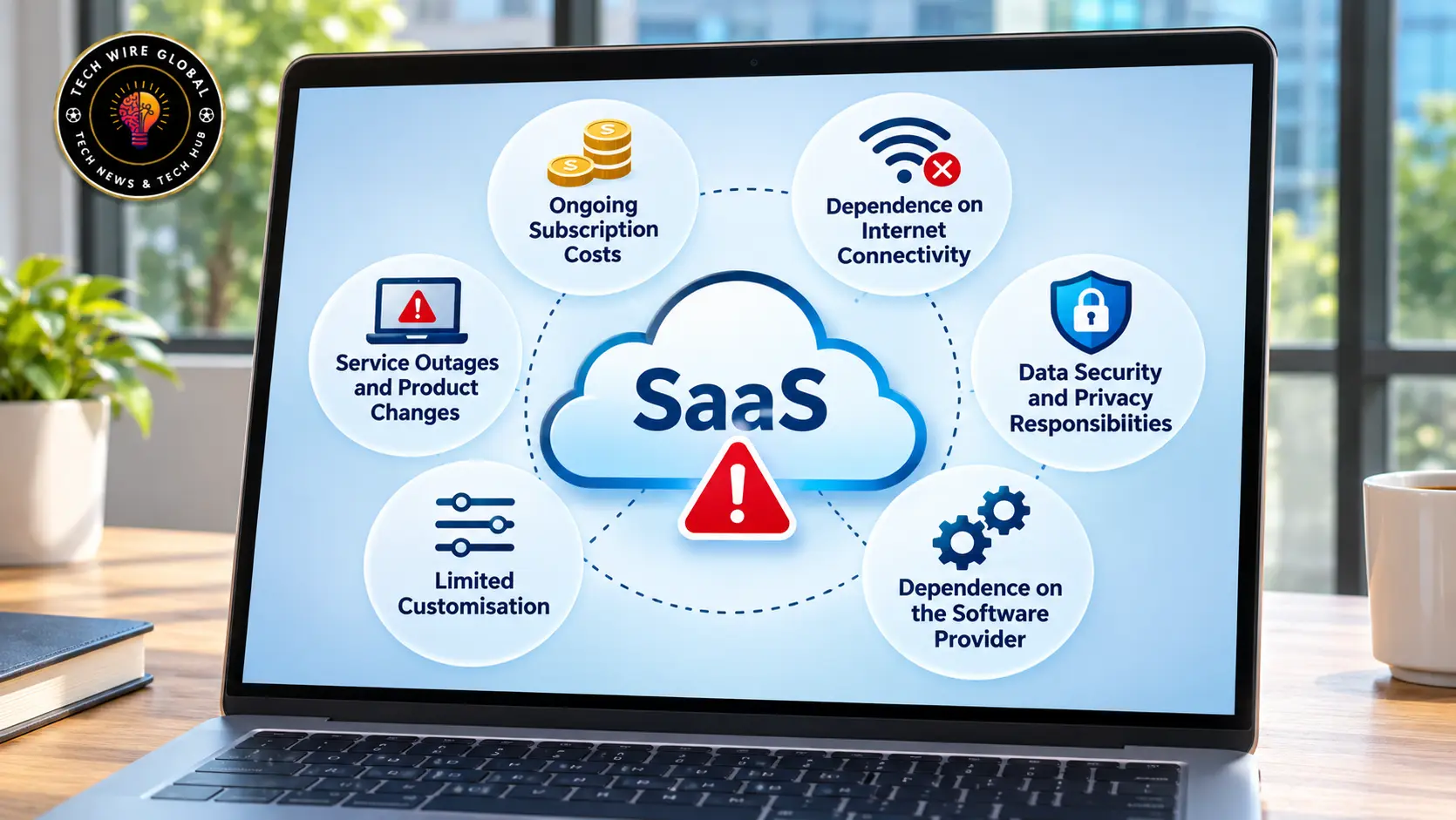
SaaS can reduce infrastructure responsibilities, but it also creates dependencies on the software provider. Businesses should understand these limitations before moving important operations to a subscription-based application.
Ongoing subscription costs
SaaS pricing is often based on monthly or annual subscriptions. A low starting price may become more expensive as a company adds employees, storage, advanced features, or additional services.
A business that uses several subscription tools should review its total software spending regularly.
Dependence on internet connectivity
Most SaaS applications need an internet connection to provide their main features.
If the connection fails, employees may lose access to customer records, documents, or operational tools until connectivity returns. Some providers offer offline access, but this should be checked before choosing a product.
Data security and privacy responsibilities
Business information stored in a SaaS application may include customer records, financial details, employee information, and internal documents.
The provider is responsible for protecting its service infrastructure, but the customer still needs to manage account security, permissions, devices, and data handling.
Microsoft explains this division through its shared responsibility model for cloud security. Its guidance shows that responsibilities vary by cloud service model, while customers retain responsibility for areas such as their data, identities, and access management.
Before choosing a SaaS provider, businesses should review its security documentation, data processing terms, access controls, backup arrangements, and any compliance requirements relevant to their industry.
Dependence on the software provider
When a business relies on a particular SaaS application, changing providers can take time and money.
Customer records, documents, workflows, and integrations may need to be transferred. Some applications offer convenient export options, while others make migration more difficult.
Check whether the provider allows data exports in a usable format and understand what happens to stored information after an account is cancelled.
Limited customisation
Some SaaS applications allow users to change settings, create workflows, and connect other tools. Others offer limited options because the provider controls the product’s design and functionality.
A business with specialised processes may find that a standard application does not meet every requirement. It should test the product against its actual workflows before committing to a long-term subscription.
Service outages and product changes
A provider may experience technical problems that temporarily affect access to its application. It may also change its pricing, features, or subscription terms.
For software that supports important business operations, review the provider’s service availability commitments, support arrangements, incident communication process, and cancellation terms.
SaaS vs Traditional Installed Software
SaaS and traditional installed software differ mainly in how the application is delivered, hosted, and maintained.
With SaaS, the provider generally hosts and manages the application. With traditional installed software, the customer may install and maintain the application on local computers or organisation-managed infrastructure.
| Comparison | SaaS | Traditional installed software |
| Access | Usually through the internet | Often through a local installation |
| Hosting | Generally managed by the provider | May be managed by the customer or organisation |
| Updates | Usually managed by the provider | May require manual installation or IT deployment |
| Payment | Commonly recurring or usage-based | May involve a licence purchase, subscription, or maintenance fee |
| Infrastructure | Provider manages the underlying hosting environment | Customer may need to manage local infrastructure |
| Internet access | Often needed for normal use | Some applications can work offline |
The distinction is not absolute. Some installed applications connect to cloud services, and some SaaS products provide desktop applications or limited offline functionality.
The right choice depends on how the software will be used, what the organisation needs to control, and the cost of maintaining it.
How Much Does SaaS Cost?
There is no single price for SaaS. The cost depends on the application, subscription plan, number of users, available features, and amount of usage.
Common SaaS pricing models include:
Free and freemium plans: Some providers offer a free version with limited features, storage, or users. Customers can pay to access additional capabilities.
Per-user pricing: The provider charges according to the number of people using the application. This is common in CRM, project management, and collaboration software.
Tiered subscriptions: Different plans include different features, usage limits, or support levels. A basic plan may suit an individual or small team, while a higher tier may include administrative controls and advanced reporting.
Usage-based pricing: Charges depend on how much of a service is consumed. This may include API requests, storage, transactions, or processing.
Enterprise pricing: Larger organisations may receive negotiated contracts based on user numbers, security requirements, support arrangements, and other business needs.
For example, imagine a company needs a SaaS application for 10 employees. If the provider charges per user, the monthly subscription will depend on the selected plan and the number of paid accounts. Additional costs may apply for extra storage, integrations, or premium support.
When comparing products, calculate the expected cost over a full year. Include the features the team actually needs, the number of paid accounts, and any charges that may apply as usage increases. A low introductory price does not always represent the total cost of using the software.
When Should a Business Use SaaS?
SaaS is a practical option when a business needs a ready-made application and does not want to manage the infrastructure required to run it.
It may be suitable when:
- Employees need to access the same software from different locations.
- The business needs standard applications such as CRM, accounting, communication, or project management tools.
- The organisation wants to avoid maintaining its own application servers.
- The provider supports the required integrations and workflows.
- The subscription cost fits the business budget.
- The provider’s security and data-handling arrangements meet the organisation’s requirements.
SaaS may be less suitable when a business needs extensive control over the software infrastructure, requires specialised customisation that the product cannot support, or has regulatory and data residency requirements that the provider cannot meet.
Offline access can also be a deciding factor. A business whose employees regularly work in areas with unreliable connectivity should check whether the application supports offline work and how it synchronises information later.
Before adopting a product, test it with the people who will use it. Check its core features, account permissions, integrations, data export options, support arrangements, and full subscription cost. These details often reveal more than the feature list on the provider’s homepage.
Where to Learn More About SaaS and Business Software
SaaS covers many types of applications, from customer relationship management and marketing software to finance, cybersecurity, productivity, and field operations tools. Understanding the delivery model is a useful starting point, but selecting the right application requires looking at the specific work it needs to support.
Tech Wire Global publishes guides, software comparisons, and practical information about SaaS products and business applications. Readers can use these resources to understand software categories, compare available tools, and evaluate how different applications fit their business requirements.

1 thought on “What Is SaaS? Meaning, Examples, Benefits and How It Works”